
More gist.
Less maths.
Split the bill.
Dinner ran late. Someone ordered extra. You picked up the bill.
Split it equally or set everyone’s share, then get back to the good stuff.
Already on Pocket? Lifestyle Split
₦45,000.00
Whatever the plan,
bring your people.
Birthday dinners. Weekend escapes. The big food shop.
Life together comes with a few shared bills.
“One more plate?
Say less.”
Uju covers a ₦45,000 dinner with Victoria and Josh. Good food, plenty of gist, ₦15,000 each.
02 / THE WEEKEND AWAYSame weekend.
Different checkouts.
Ayo books the stay. Victor joins for one night; Dami stays longer. Custom shares keep the weekend fair.
03 / THE EVERYDAY STUFFFull fridge.
Happy flatmates.
Ali does the ₦18,000 food shop for Dami, Josh and himself. That’s ₦6,000 each. Snacks included.
Less working it out.
More going out.
The bill had its moment. Here’s how to give everyone their part in Pocket.

Lifestyle Split
- 01
Give the bill a name.
“Friday dinner” works. “We ordered everything” works too. Add the name and the full amount you paid.
- 02
Round up your people.
Find your friends by their Pocket usernames. If everyone shares equally? Go equal. Different orders? Set custom amounts.
- 03
Check it. Split it.
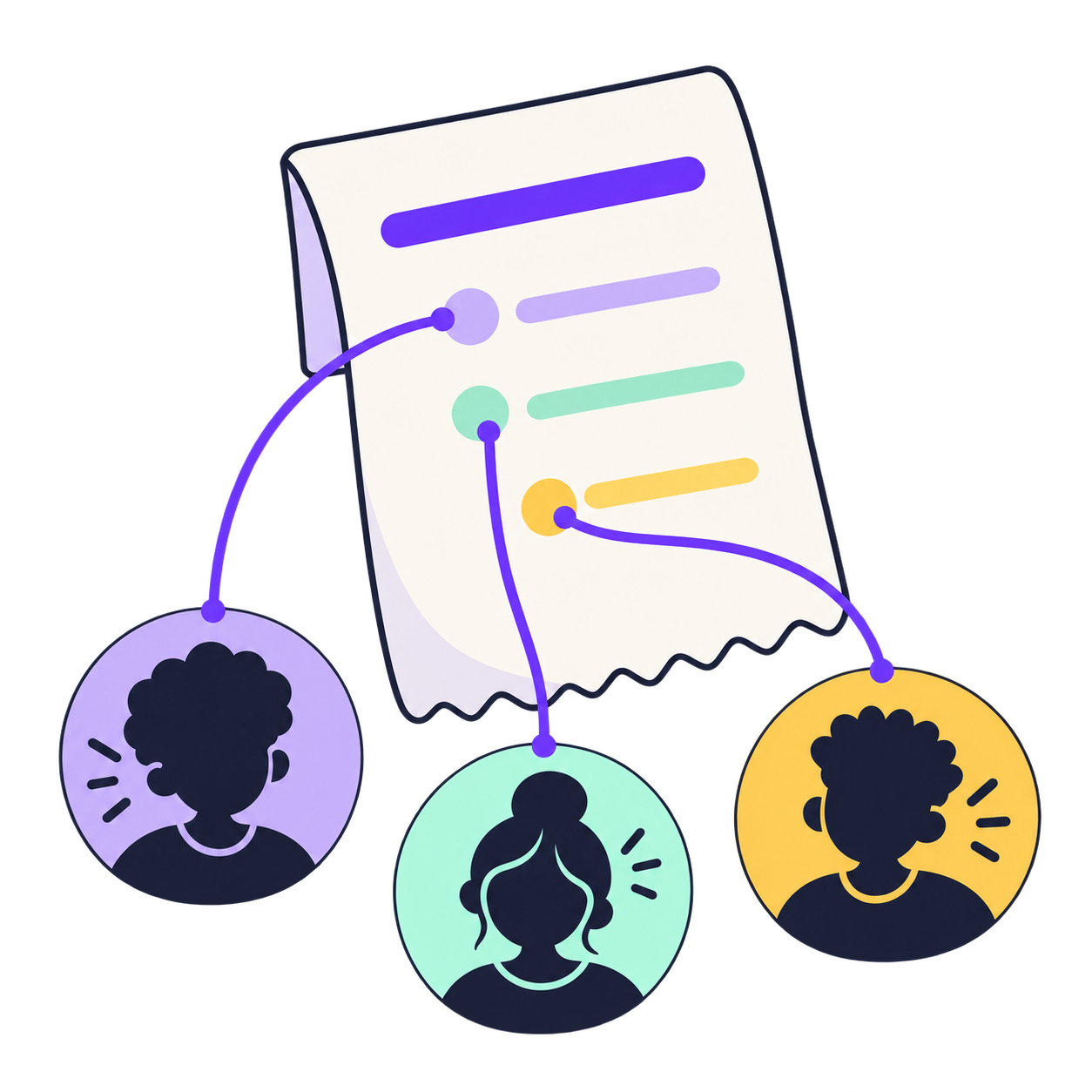
Give the amounts a once-over, then create the split. Each person’s payment request stays connected to the expense.
Same bill.
Different appetites.
Three equal shares? Done. One person had a smaller order or a shorter stay? Set their amount. Fair is whatever adds up for your group.
Try an exampleEqual
If everyone shares equally
₦20,000 eachCustom
For their different stays
- Ayo₦30,000
- Victor₦10,000
- Dami₦20,000
Ayo, Victor and Dami’s example. No payment request sent.
There’s always one friend
who hasn’t got the app.
Private browser invitations are rolling out, so they can check their own share on a phone or computer. One quick phone verification, no download needed to look. Browser payments are coming next.
Get the appWhere do I find Split?
Open Pocket and go to Lifestyle → Split → Split an expense. Add what you paid for, enter the total, then choose who shared it.
Can everyone pay a different amount?
Yes. Choose Equal for the same share, or Custom amounts when everyone’s part is different. Review the amounts before creating the expense.
How is this connected to payment requests?
Each person’s share is connected to a Pocket payment request. They can review it in Pocket, and you can return to the shared expense to check its status.
Does everyone need Pocket?
Create and manage shared expenses in Pocket. Where guest invitations are enabled, a friend can verify their invited phone number and review their own share in a browser. Browser payments are coming later.
Does creating a split take money from someone?
Creating a split records the expense and requests each person’s share. The recipient reviews the payment request in Pocket before paying.
Go for the good time.
Split the bill after.
Open Pocket. Go to Lifestyle. Tap Split.